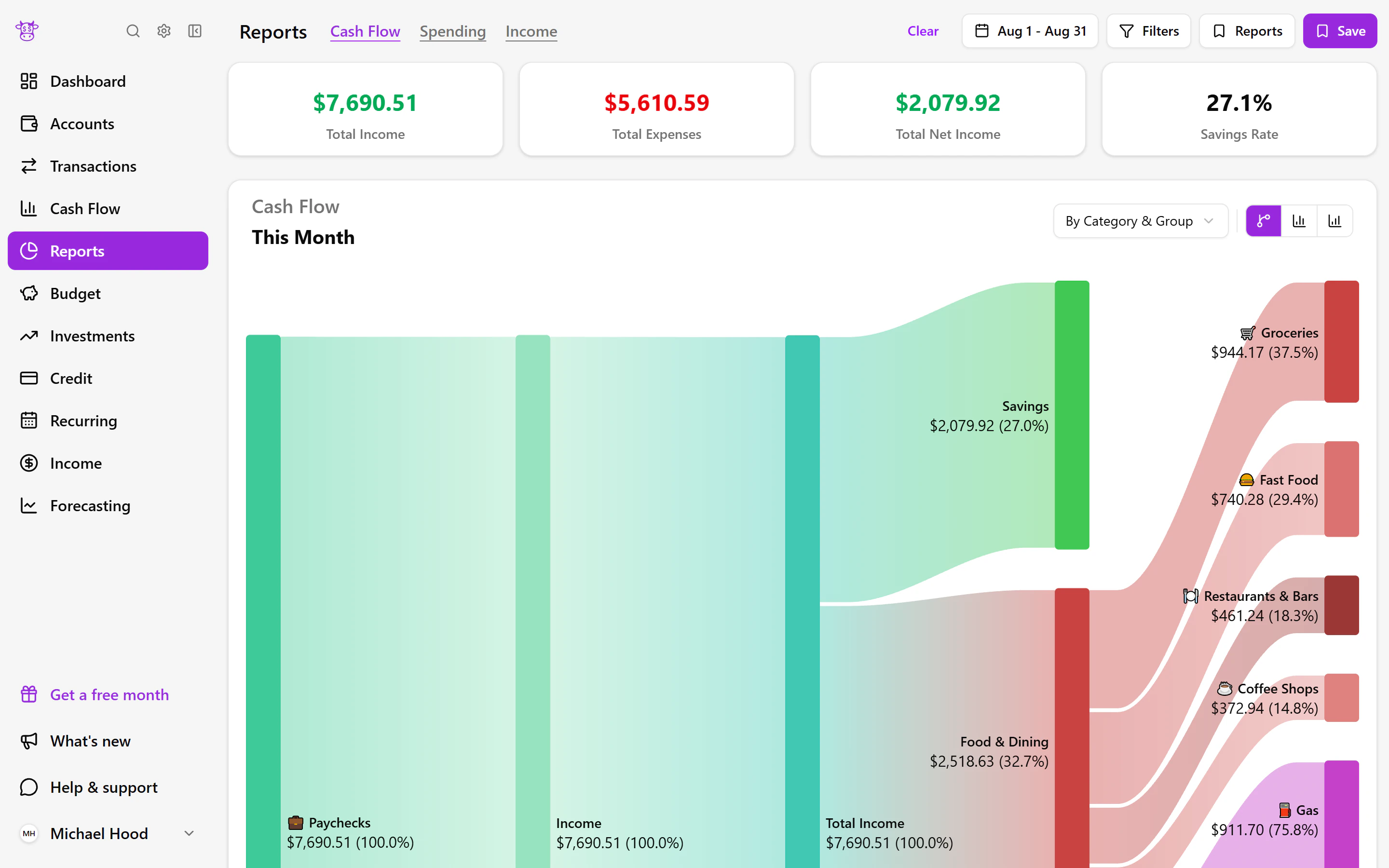
Transactions
Know where your money went
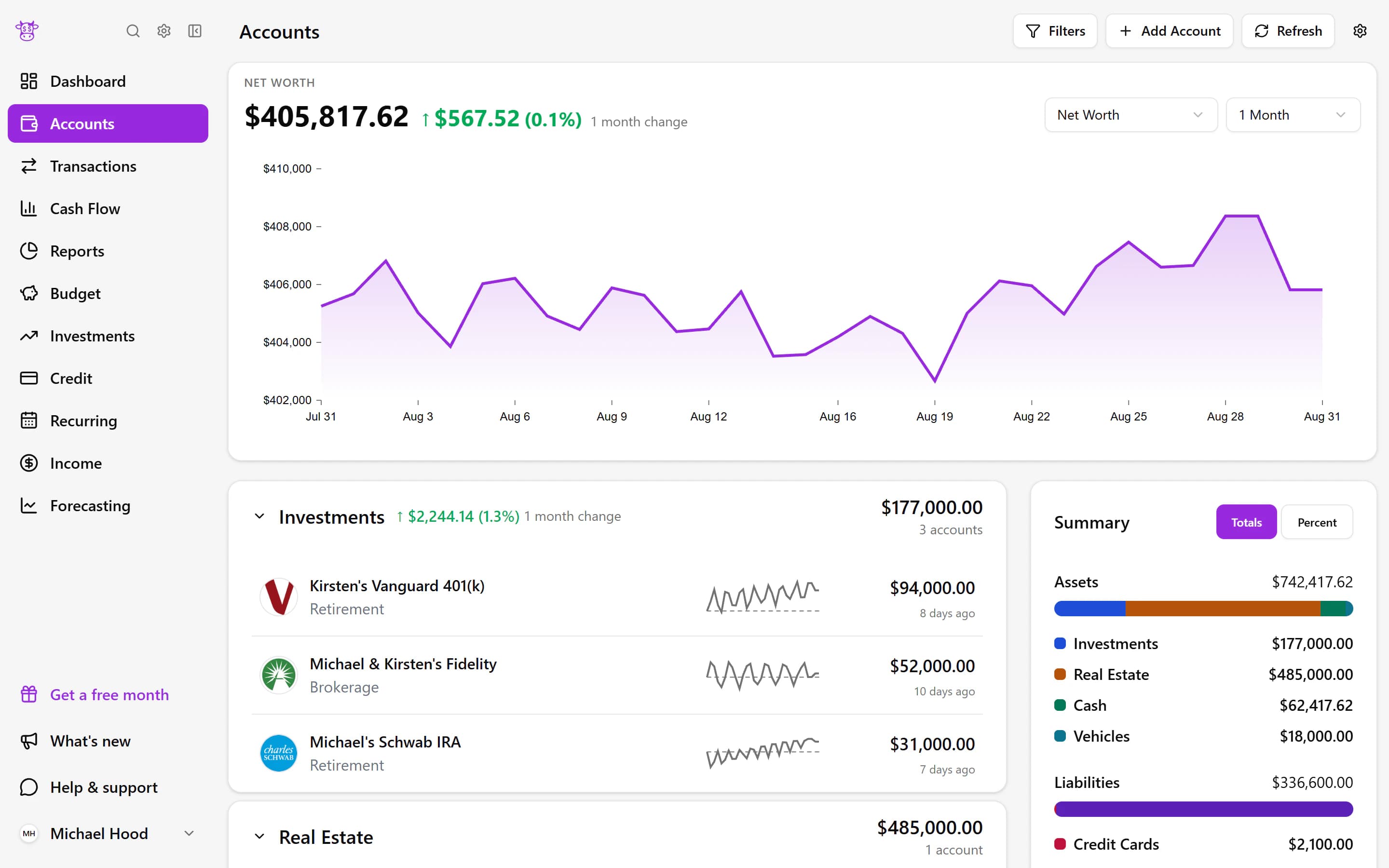
Transactions from your connected accounts come together in one place. Find a purchase, make sense of your spending, and see bills or income expected later this month.
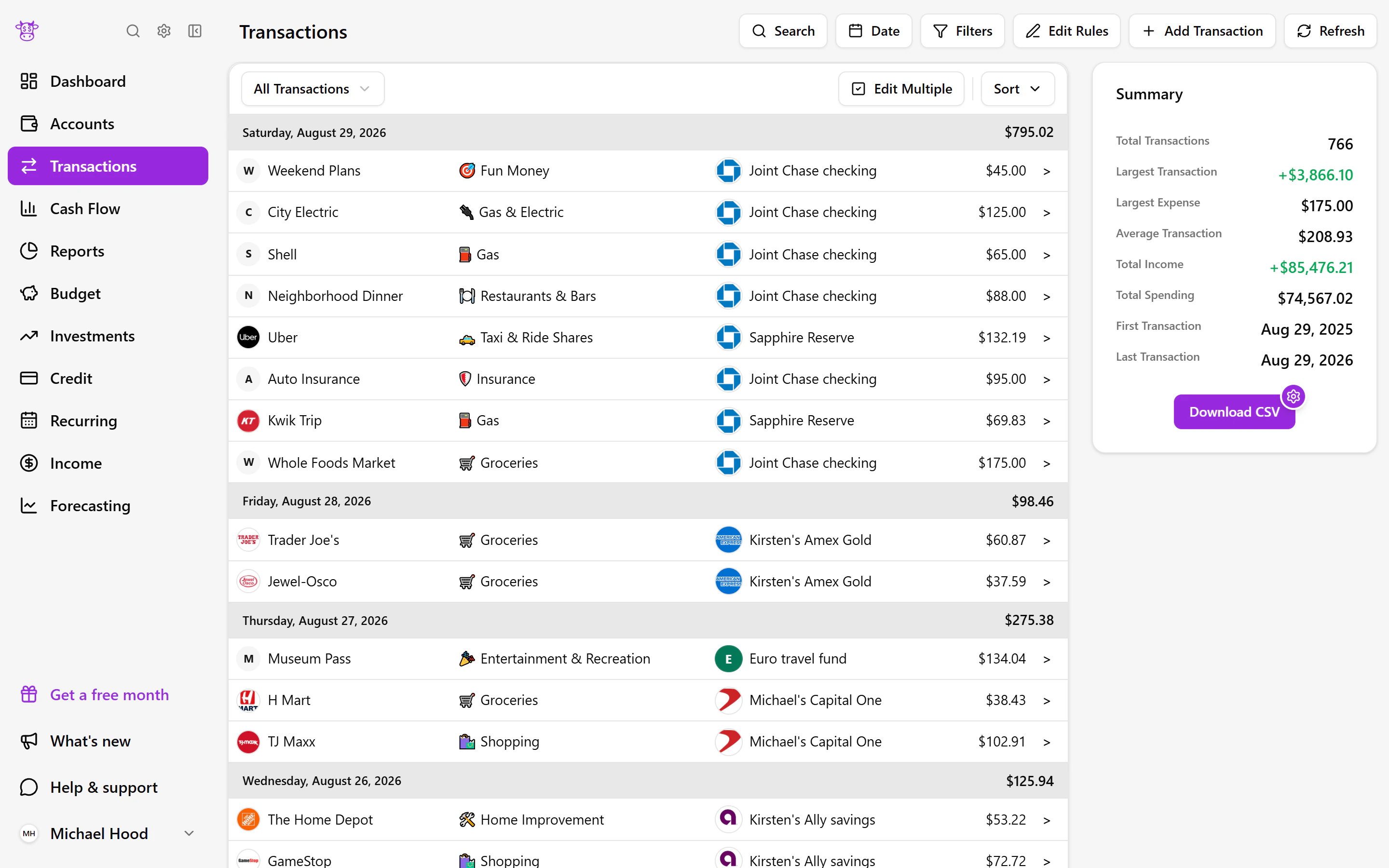
Find
Find the purchase you are thinking of
Remember the store but not the card? Search your transaction history and narrow the results until you find the purchase you need. You can look across connected accounts instead of opening each banking app and retracing your steps.
Organize
Make spending categories work for you
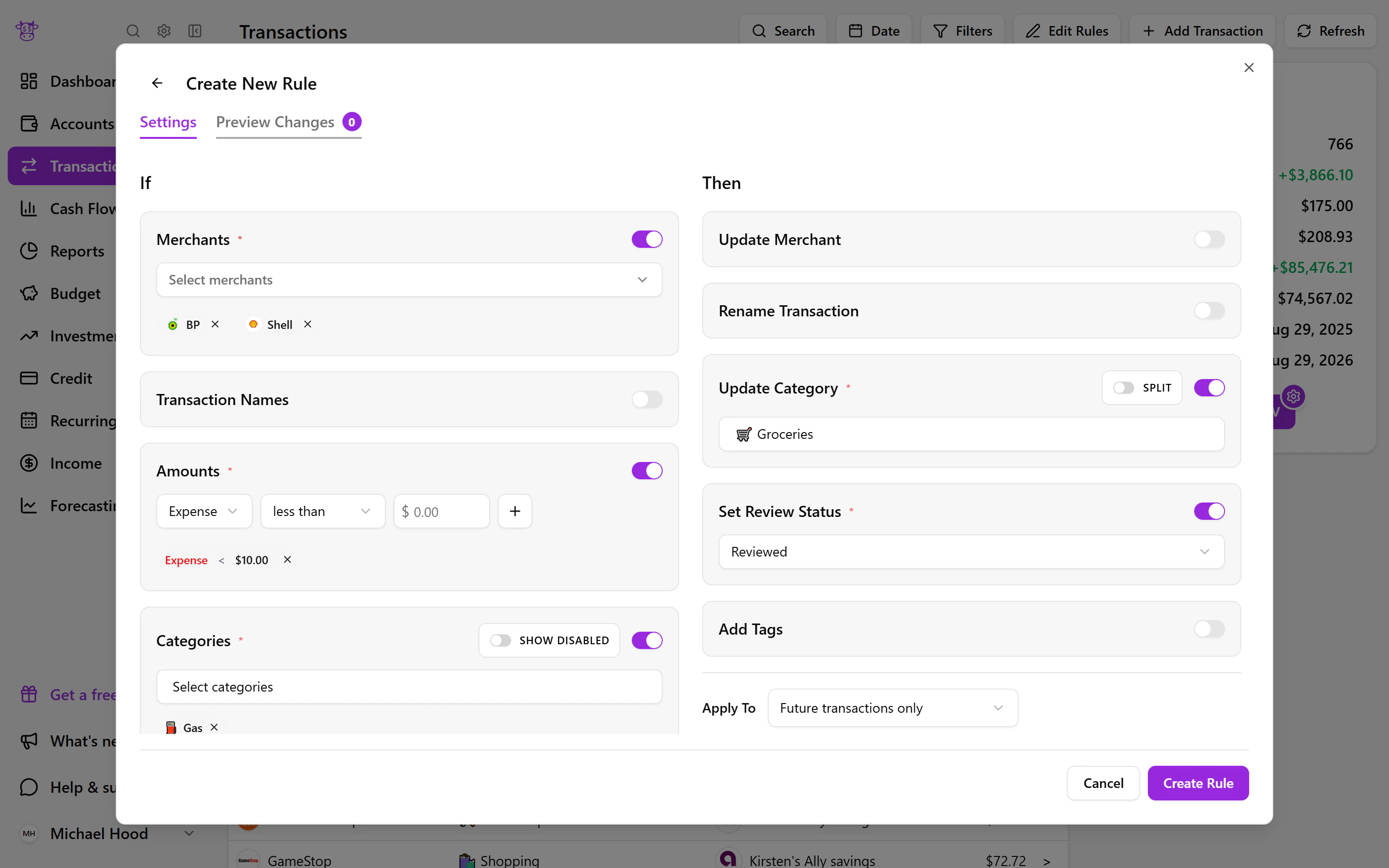
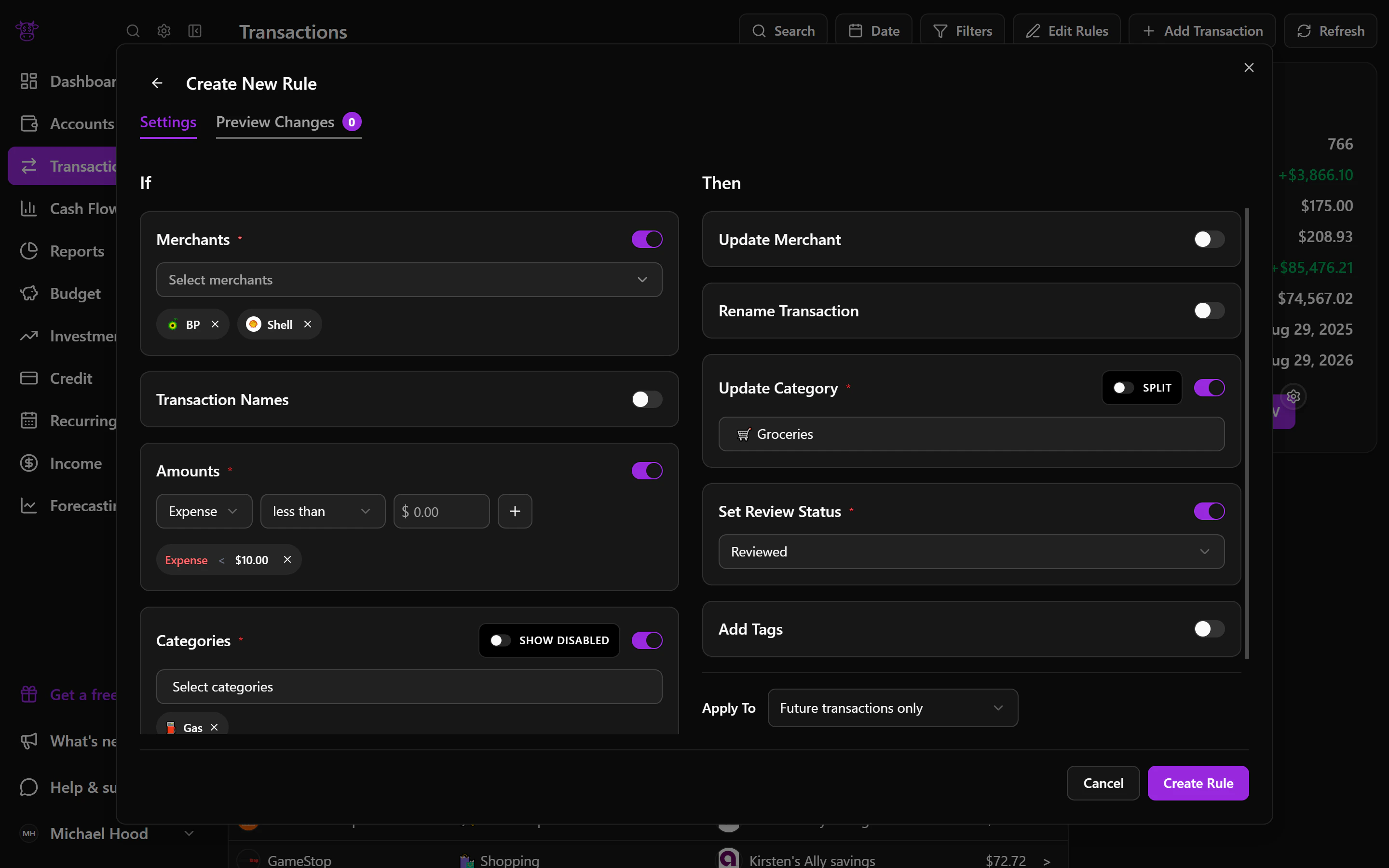
If a purchase lands in the wrong category, change it to match the way you think about your money. You can also create a rule for familiar merchants so future matching purchases are organized the same way, with less cleanup each month.
Split
Make one purchase reflect what you actually bought
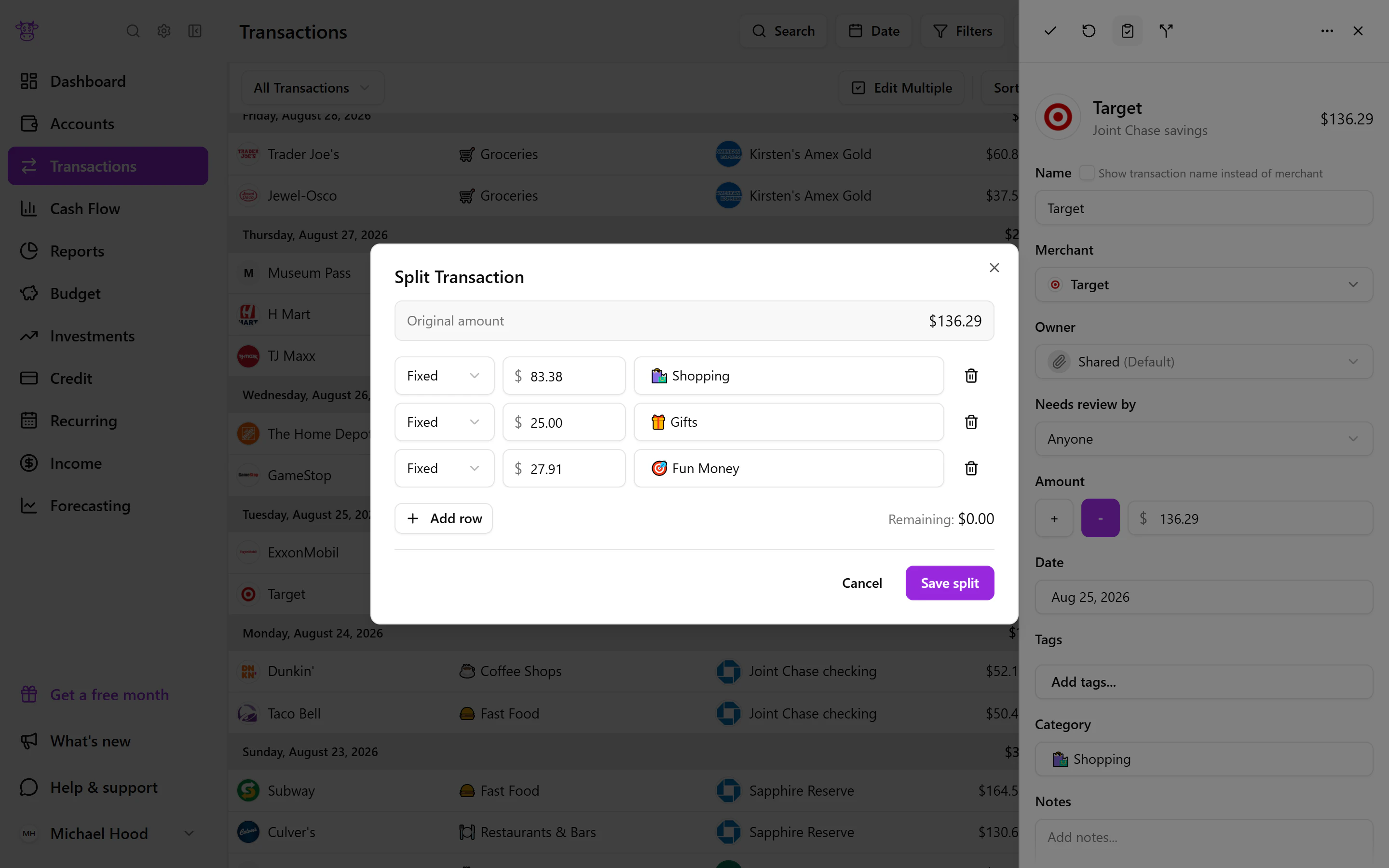
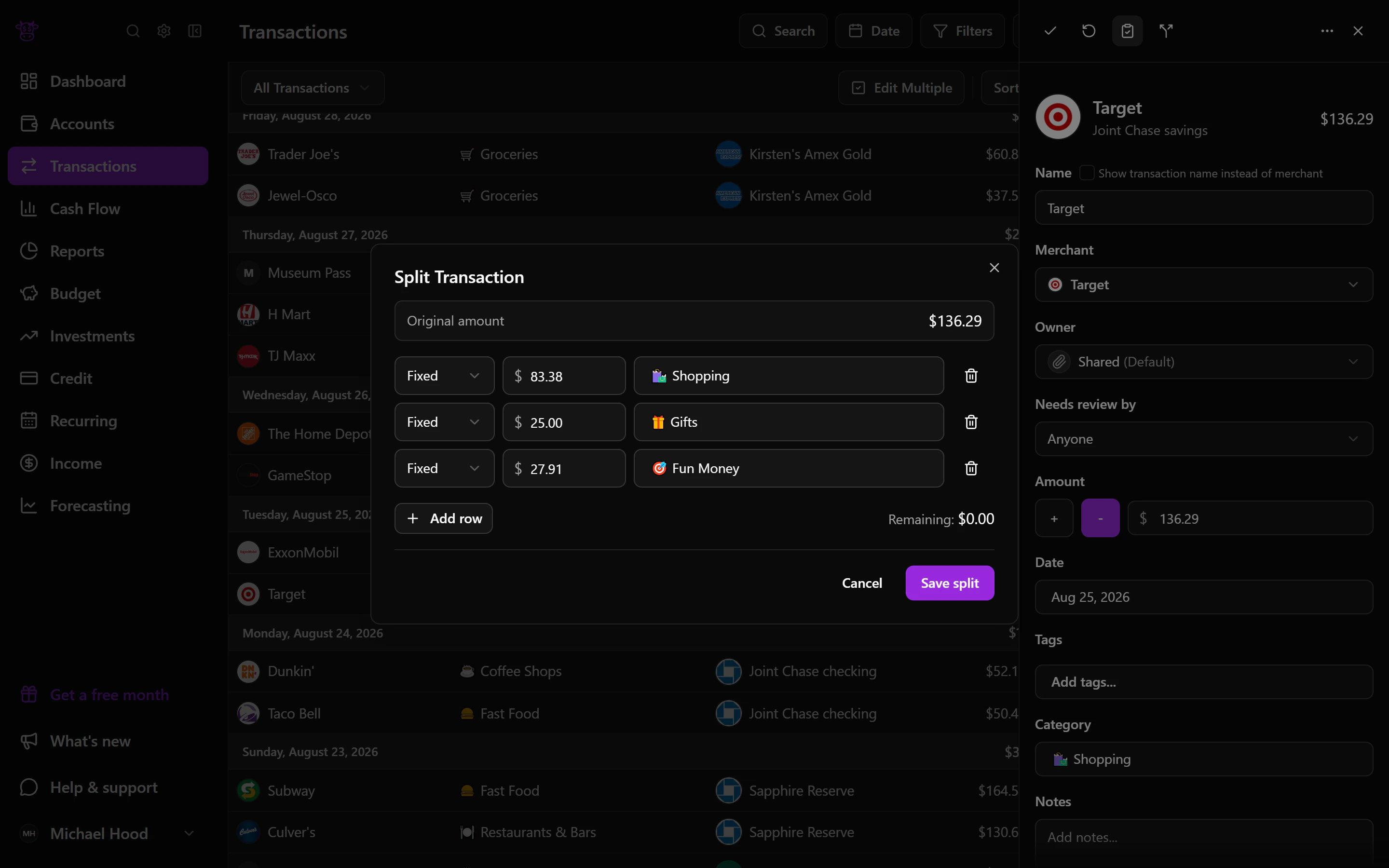
A single charge does not always belong to a single category. Divide it into meaningful parts, then give each part the category and supporting details it needs while preserving its connection to the original purchase.
Recurring
See upcoming bills and income before they arrive
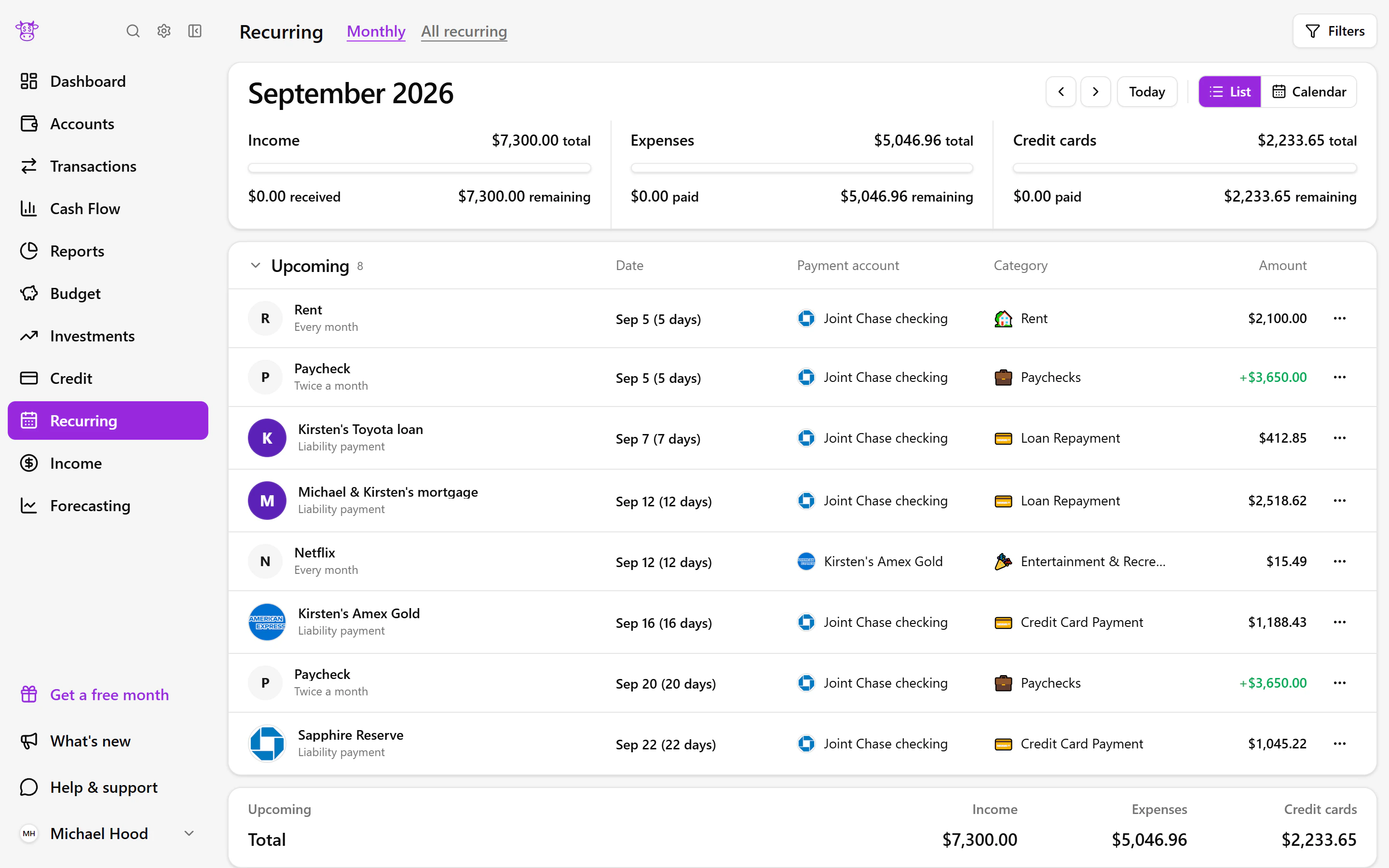
Recurring activity brings expected income, bills, subscriptions, and credit-card payments into a monthly view. See what has already happened, what is still expected, and how upcoming activity may shape the rest of the month.
What you can do
- Find a purchase quickly
- Automatically categorize spending and add your own rules
- Split one purchase across the right categories
- See upcoming recurring bills and income
Useful for
- 01Answering ‘what was that charge?’ without hunting through accounts
- 02Separating a mixed shopping trip into the right spending categories
- 03Knowing which regular payments are still expected this month