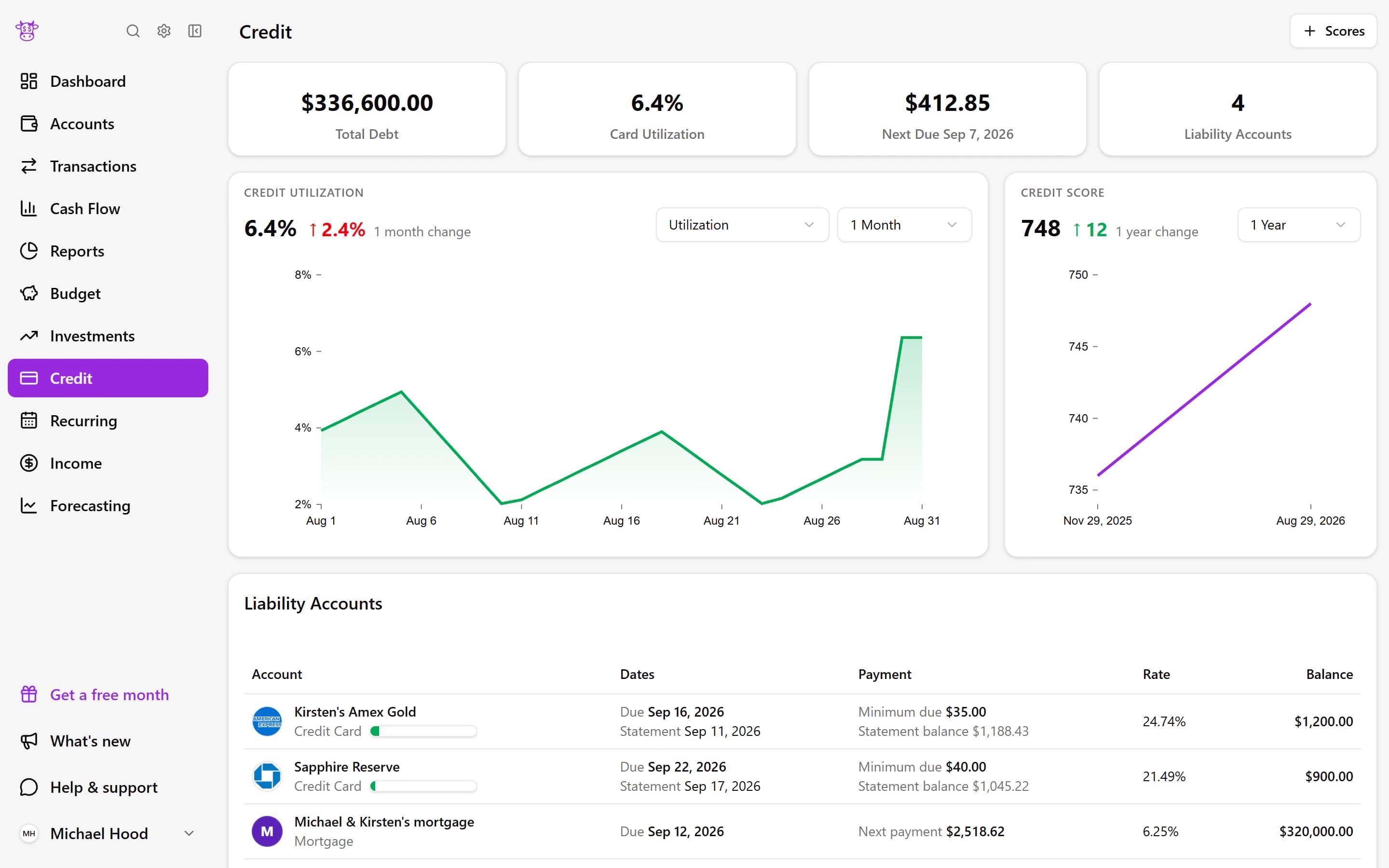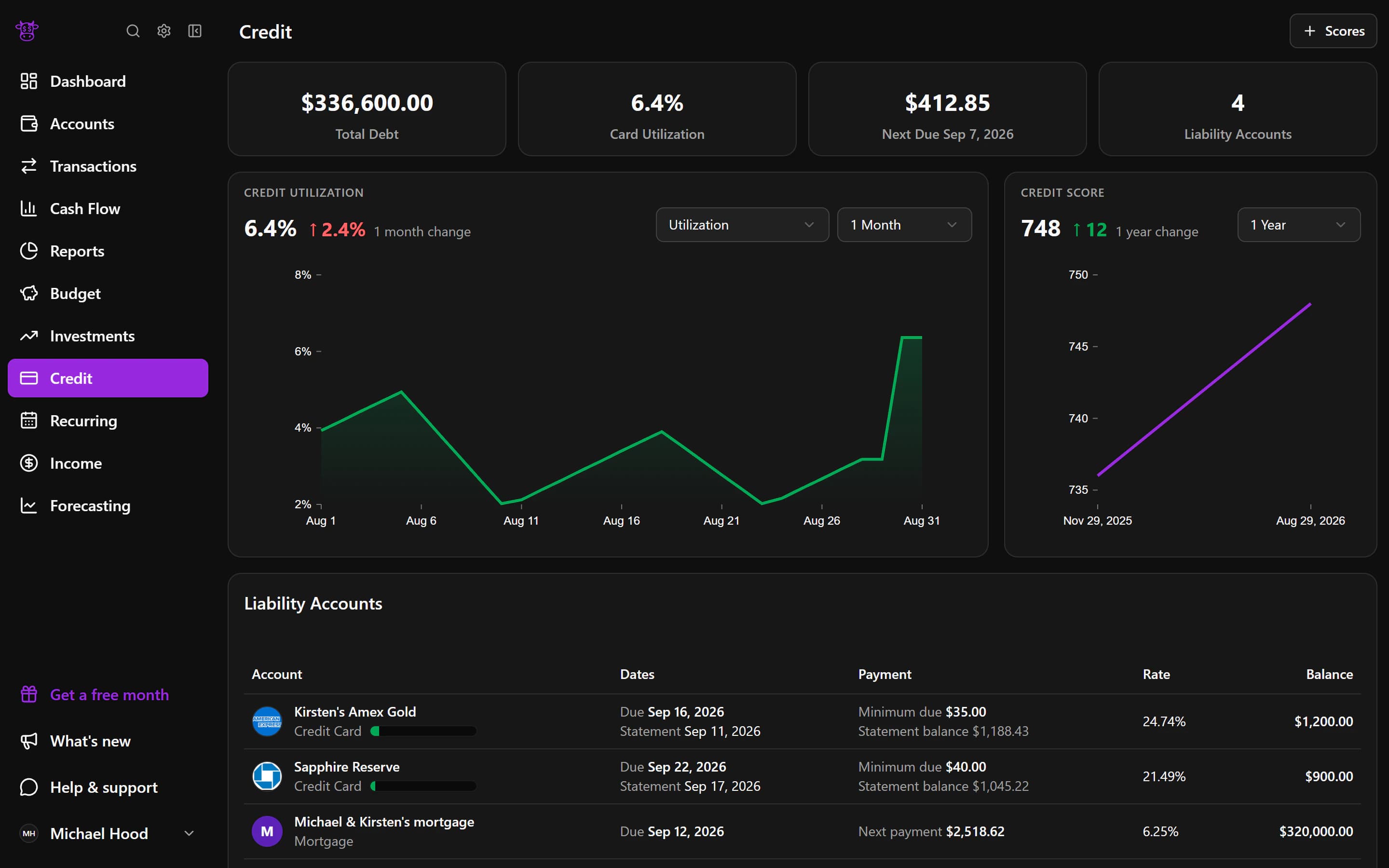
Investments
Understand how your investments are doing and what you own
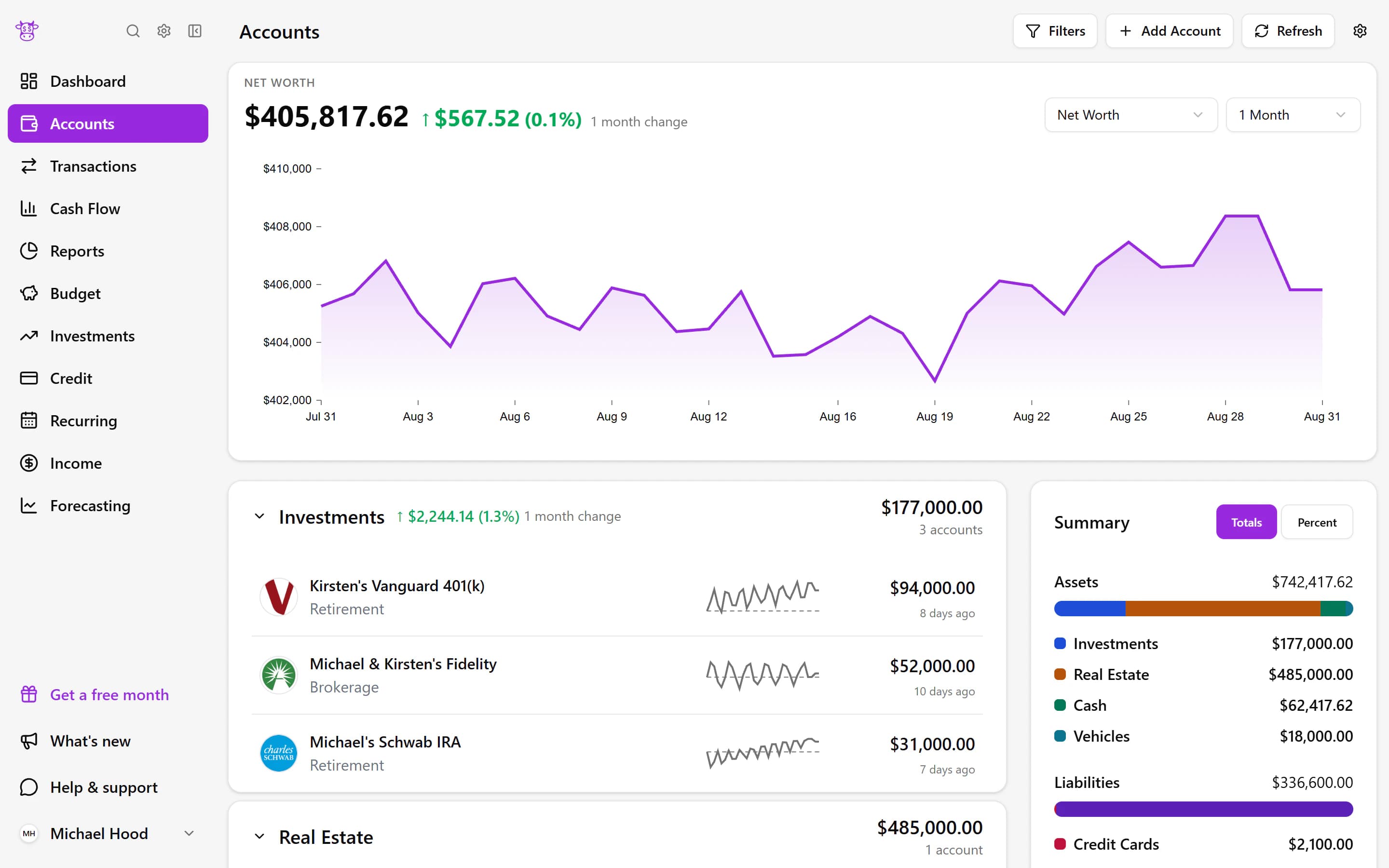
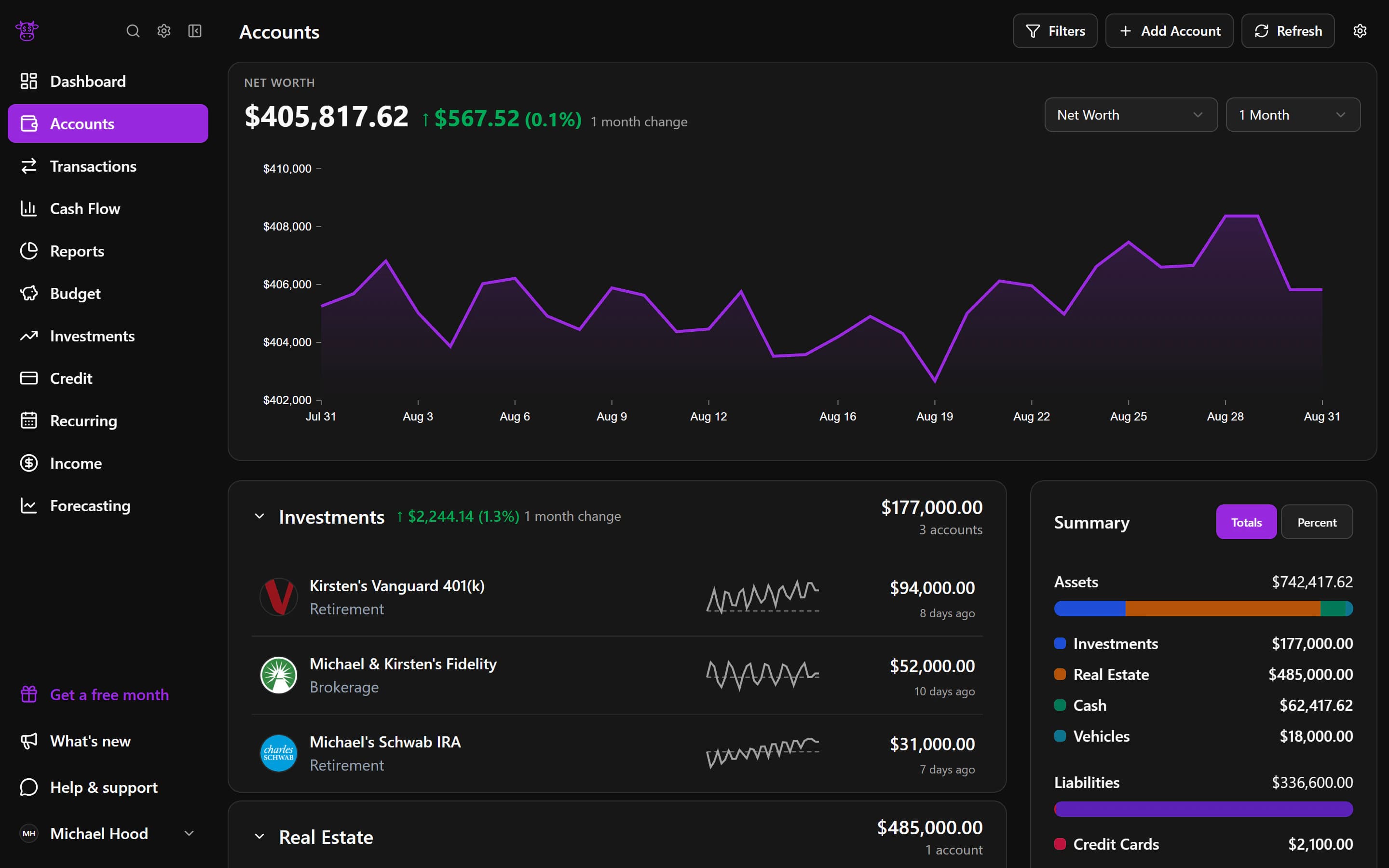
Connect your brokerage and retirement accounts to see how your portfolio has changed, what you own, and where your money is invested.
Performance and allocation
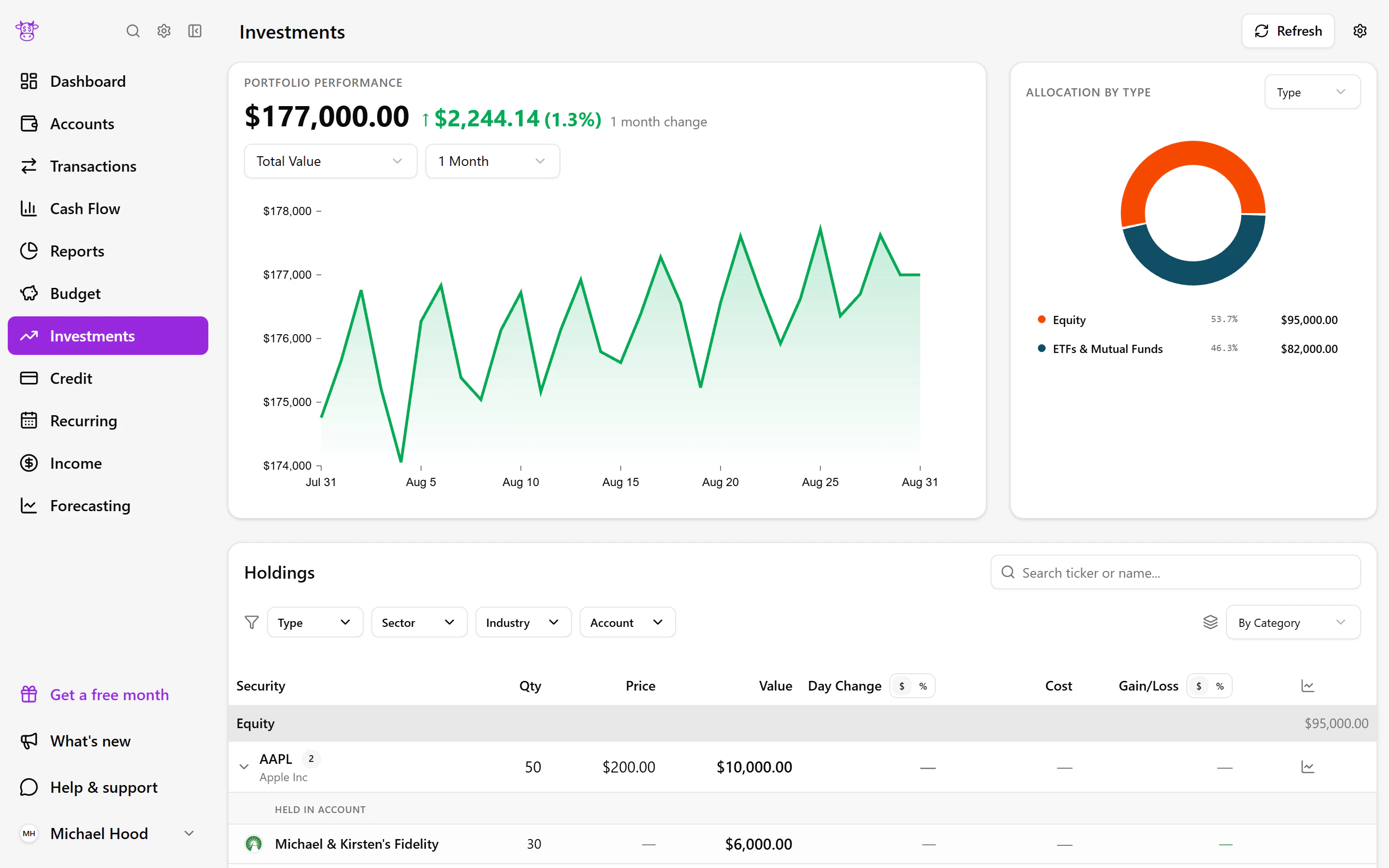
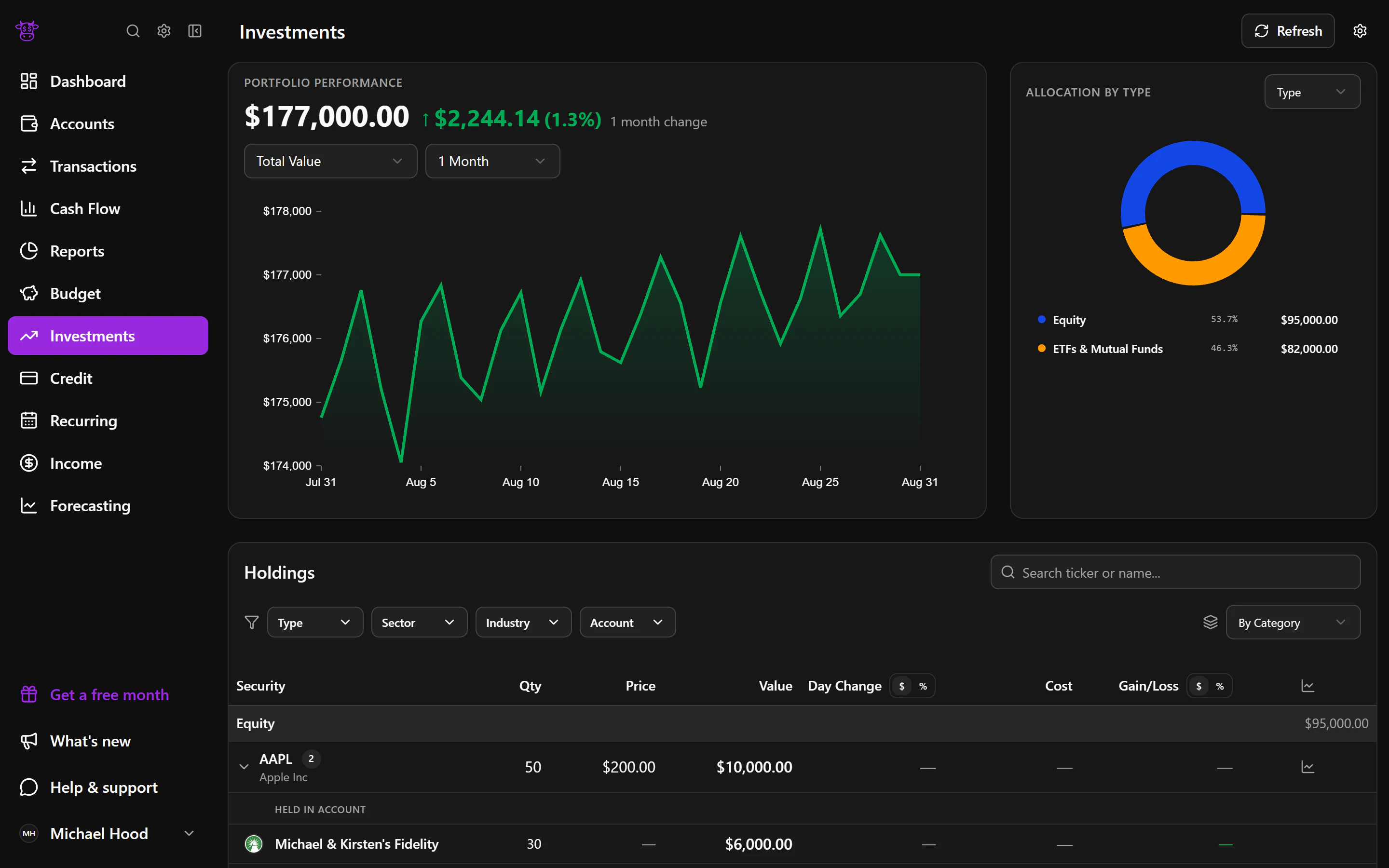
See growth in context
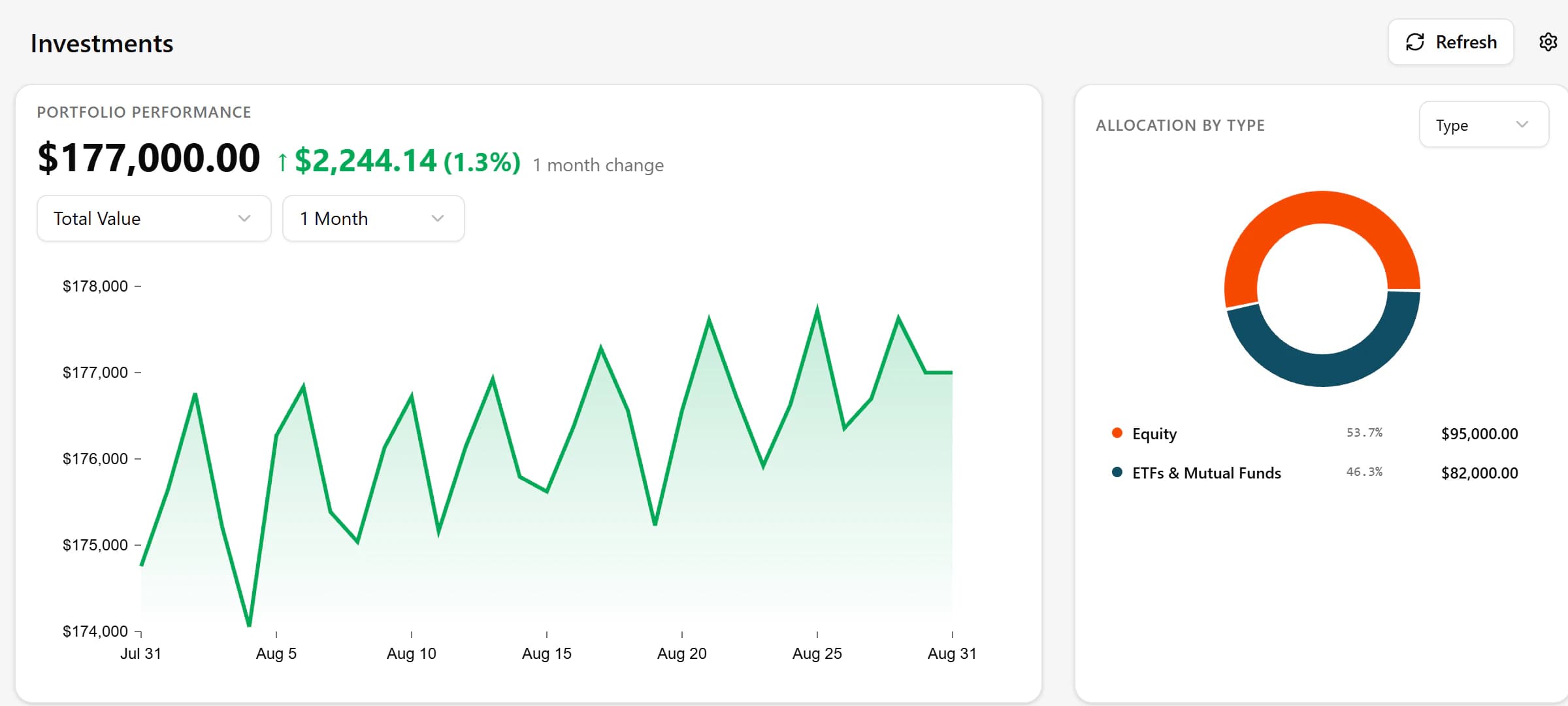
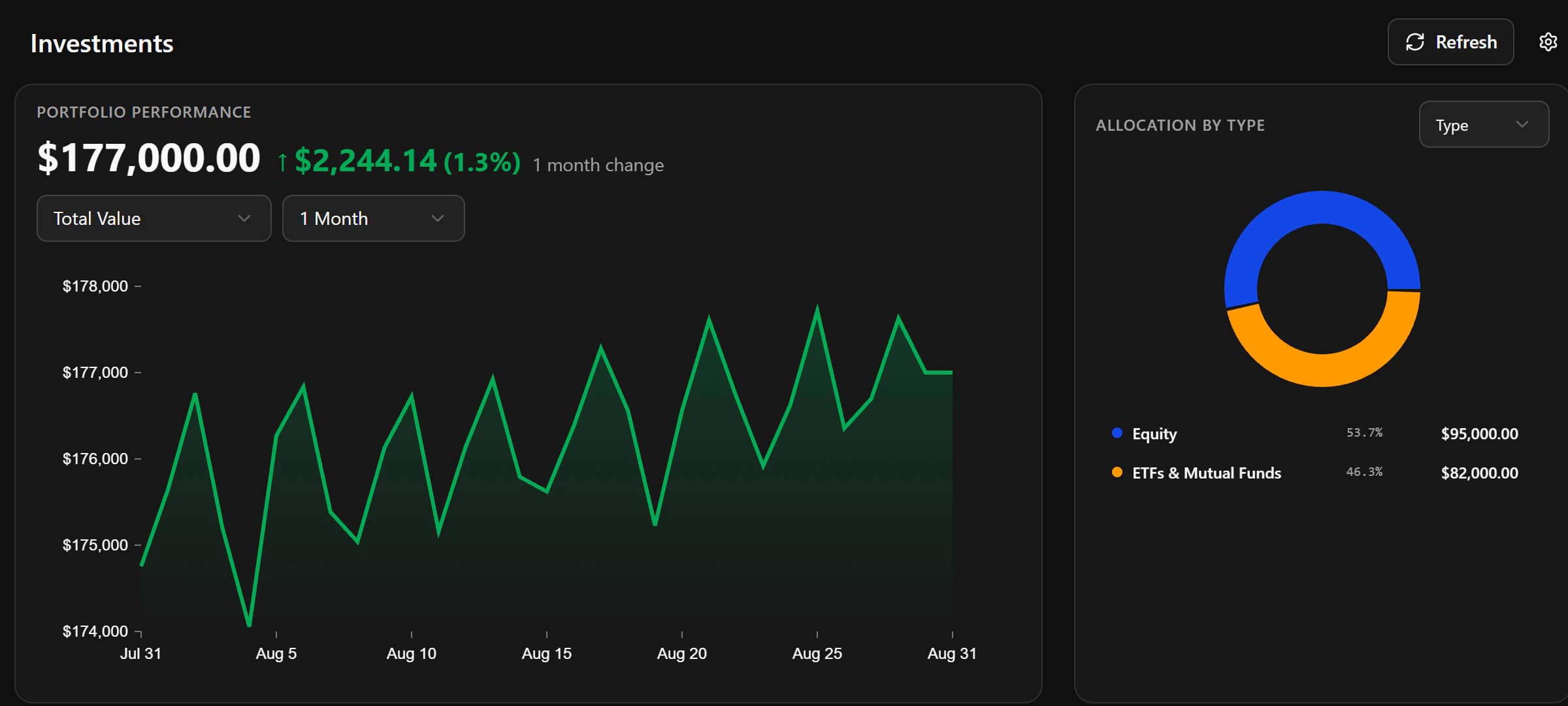
Follow your connected investments over the period you choose and view the result as a whole or by account. The allocation chart shows how your portfolio is divided, helping you understand what sits behind a change in value instead of looking at one number alone.
Holdings
Know what you own
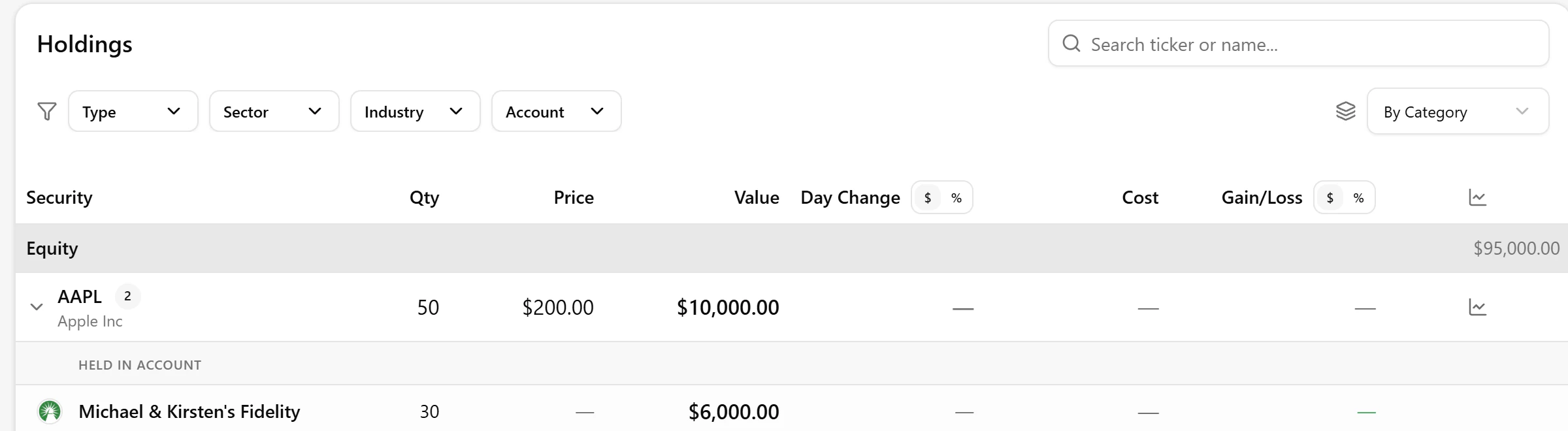
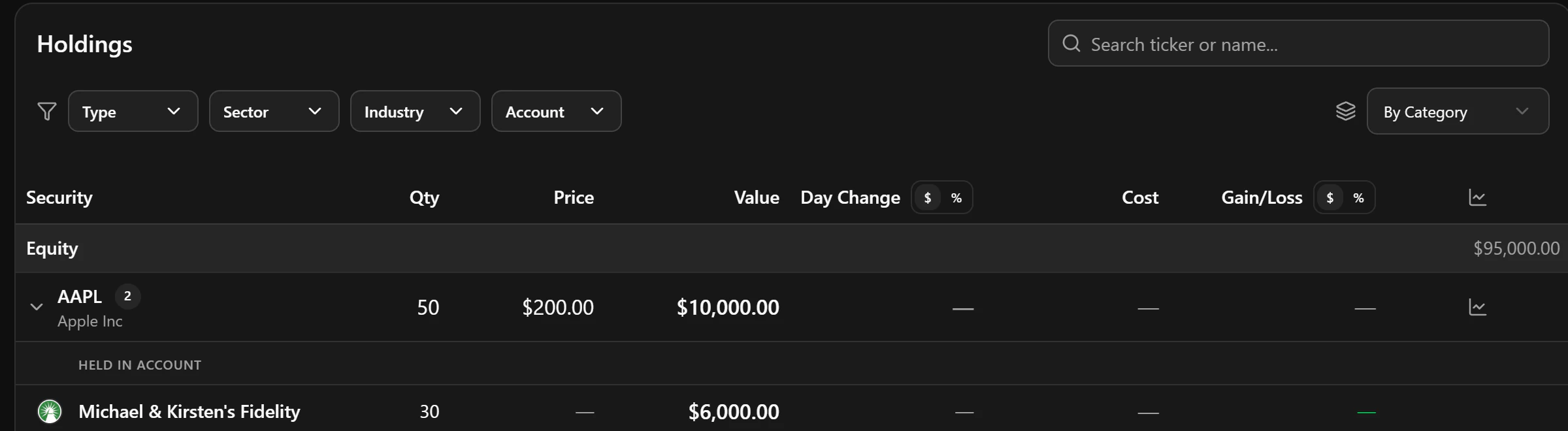
The holdings view brings investments from connected accounts into one list with their values and share of the portfolio. You can focus on one account when you want a closer look, or use the full view to see whether a few investments make up most of what you own.
What you can do
- See how your portfolio is performing
- Understand what you own
- See how your portfolio is divided
- View portfolio performance by account
Useful for
- 01Checking retirement and brokerage investments together
- 02Seeing whether one account is driving a portfolio change
- 03Understanding where your invested money is concentrated